
Surfer x Google Docs Integration
Download Surfer’s free Chrome Extension and get the Surfer tips you trust inside the Google Docs you love!


Avoid annoying formatting issues

Save hours of time and say bye to copy-pasting
When you copy + paste your content to a new platform, you run the risk of format issues. Apart from being irritating, it slows you down. With Surfer’s Chrome Extension, you can write using Surfer’s trusted guidelines within Google Docs!

Click, connect and start writing
After making a new query, use the side panel, conveniently located inside the Surfer app, to connect to Google Docs! Fewer tabs, less confusion and a more streamlined writing process from start to finish!

Easy integration and setup
Add the plugin to Google Chrome within seconds
Install the Chrome plugin, create Content Editor and start working in your favorite docs platform right away!
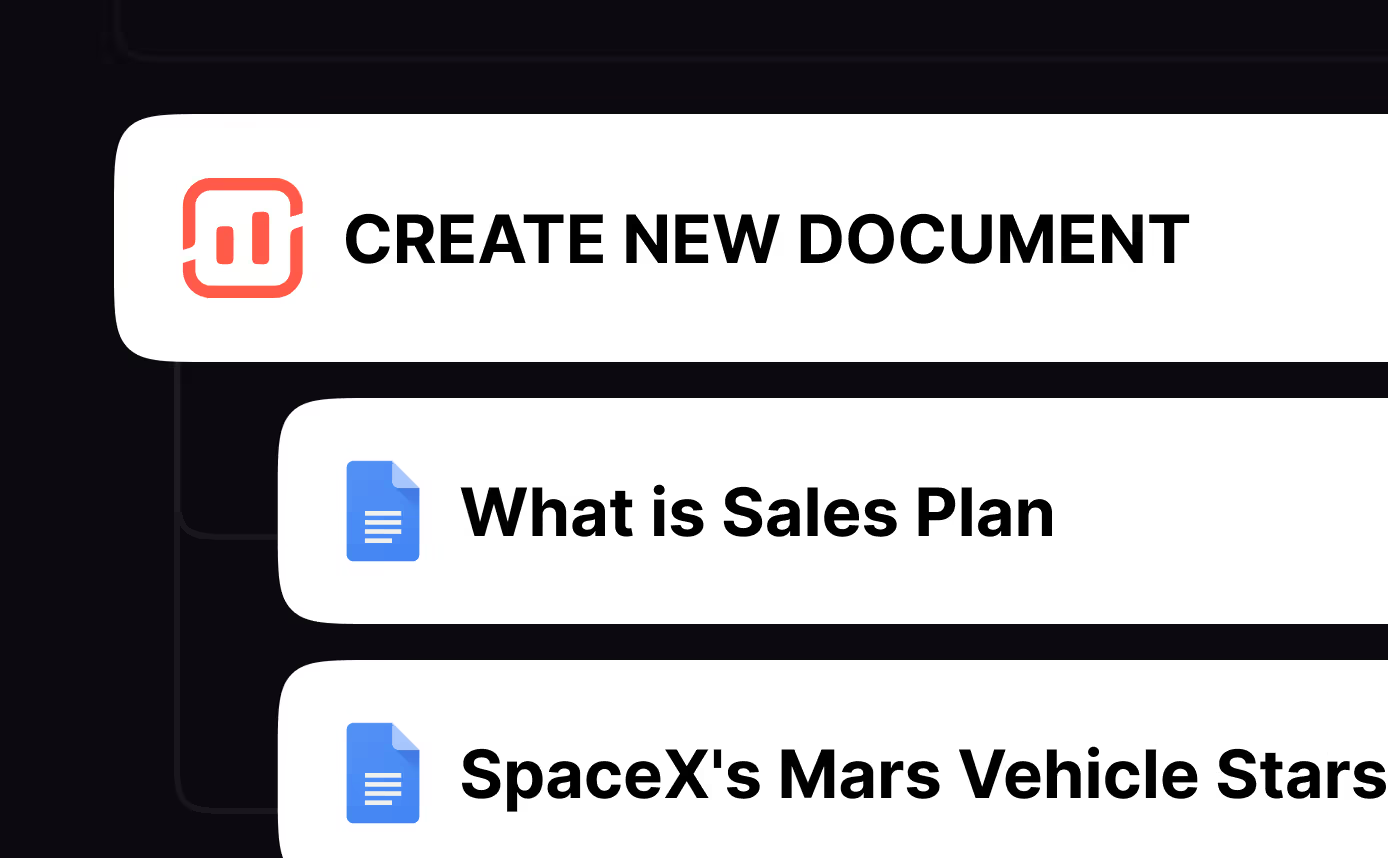
CREATE DOCS Straight from Surfer
Create new Docs straight from the Content Editor
Your copywriter doesn’t need a Surfer account to use the extension when they work with Google Docs. Share a link to the document, and they can start doing their job!
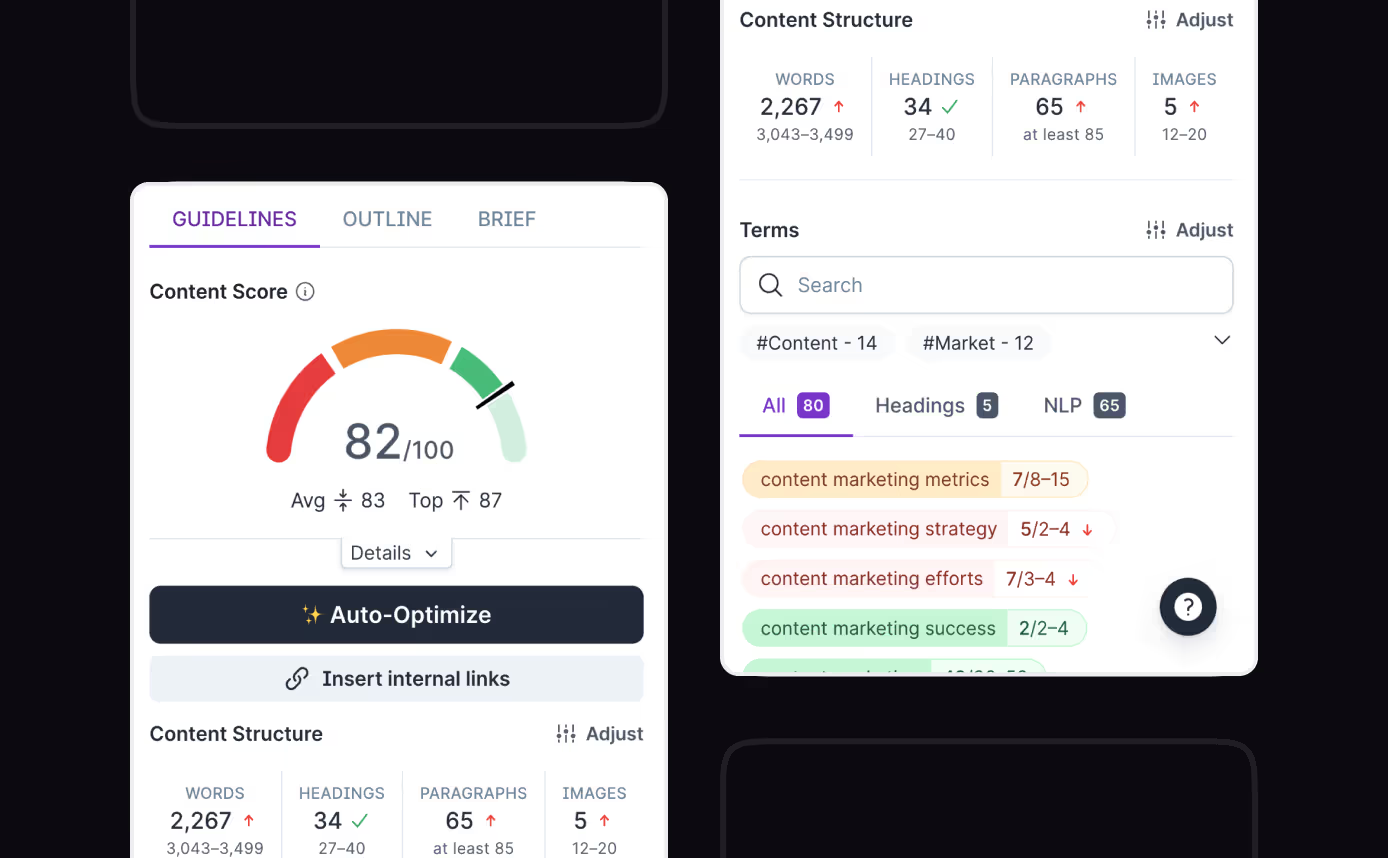
share, optimize and grow traffic
Improve your content and climb to the top of search results
Optimize existing content, push to make the changes live and improve your on page SEO!
Surfer's Google Chrome extension makes user management easy
Your copywriter doesn’t need a Surfer account to use the extension when they work with Google Docs. Share a link to the document, and they can start doing their job!
Real connections start with being found